On this page:
- What is the subscription service?
- Subscription options
- How to subscribe
- How to manage your preferences
- How to unsubscribe
- Subscription help
- Privacy
What is the subscription service?
We no longer ask you to register your trip with us before you travel. Instead, you can subscribe to get email updates and alerts from Smartraveller.
This free service gives you the latest updates to our travel advice and news directly to your email. You can choose to receive:
- destination travel advice updates
- news updates
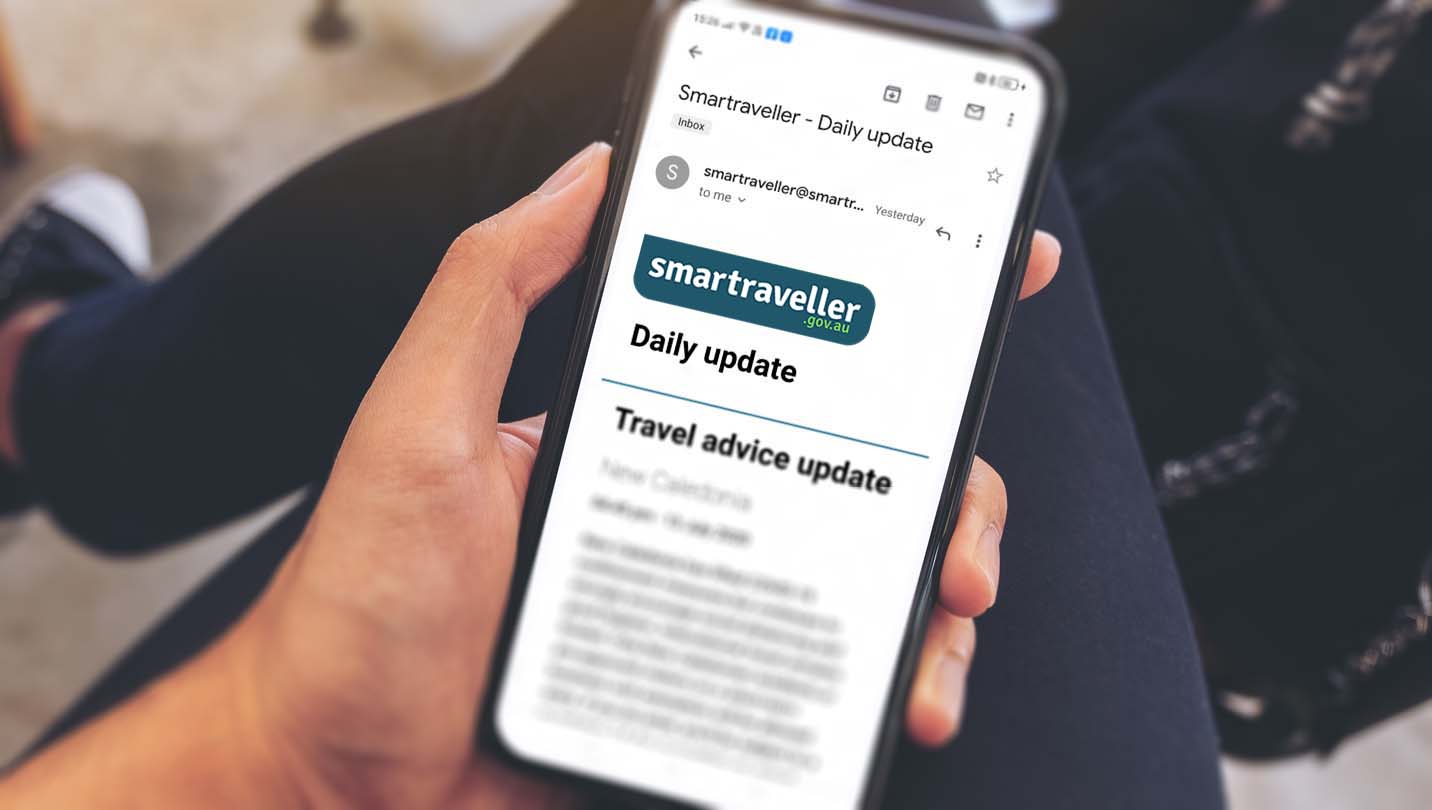
- a daily email with all updates from the previous 24 hours.
We encourage you to subscribe as soon as you are thinking about heading overseas. We’ll never spam you. We’ll only send an email when we have new or important information.
Subscription options
Travel advice updates
We update our destination travel advice if:
- there are new risks to Australian travellers
- the known risks change.
When we update our advice, we send an email to subscribers to let them know what's changed.
You can choose to subscribe to:
- a single destination travel advisory
- all travel advisories
- all travel advisories in a region (for example, Europe).
News
We occasionally publish news about:
- local or global events
- travel safety initiatives with our partners
- media releases
- and more.
When you subscribe, you can opt in to also getting news updates. Or you can choose to only subscribe to news updates.
Daily update
The daily update compiles all the travel advice updates and news items we published in the last 24 hours. We send this email at approximately 6 PM Canberra time every day.
NOTE: You can't choose which destinations the daily update includes. It will just list all travel advice and news updates made in the previous 24 hours.
How to subscribe
You can subscribe from:
- any destination travel advisory page
- the Homepage
- going directly to the subscription portal
- from the 'News and updates' page.
From a travel advisory
You can subscribe to updates from any destination's travel advisory.
On the travel advisory page:
- Click or tap the button 'Receive the latest updates' in the overall advice level banner at the top of the page. This will take you to the subscription portal.
- Enter your name and email address.
- Click or tap the 'Subscribe' button to confirm.
- We will send you an email with a link to verify your details. You must verify before you can receive alerts, so we know the address you provided is correct.
The verification link will expire after one hour. If this happens, just repeat the process above.
The verification link will take you to the 'Manage your preferences' portal. Here you can choose what you want to receive.
- As you subscribed from a travel advisory page, that destination has already been selected for you. If you don't want to choose any other updates, you can leave the preferences portal.
- If you want to get updates for another destination, news updates or the daily email, you can add that to your subscription now.
From the Homepage or direct
You can subscribe from the Smartraveller homepage. You can also go directly to subscription.smartraveller.gov.au/subscribe.
- Click or tap the button 'Subscribe for updates' at the top of the Homepage. This will take you to the subscription portal.
- Enter your name and email address.
- Click or tap the 'Subscribe' button to confirm.
- We will send you an email with a link to verify your details. You must verify before you can receive alerts, so we know the address you provided is correct.
The verification link will expire after one hour. If this happens, just repeat the process above.
The verification link will take you to the 'Manage your preferences' portal. Here you can choose what you want to receive.
- As you subscribed from the Homepage, you will need to choose which updates you would like to get. Select your preferred destinations.
- If you want to get news updates or the daily email, you can add that to your subscription now.
- If you don't do this step, you won't receive any updates.
From the 'News and updates' page
You can subscribe from the news and updates page.
- Click or tap the button 'Subscribe to news updates' at the top of the news and updates page. This will take you to the subscription portal.
- Enter your name and email address.
- Click or tap the 'Subscribe' button to confirm.
- We will send you an email with a link to verify your details. You must verify before you can receive alerts, so we know the address you provided is correct.
The verification link will expire after one hour. If this happens, just repeat the process above.
The verification link will take you to the 'Manage your preferences' portal. Here you can choose what you want to receive.
- As you subscribed from the news page, 'news updates' will already be selected as your preference. If you don't want to choose any other updates, you can leave the preferences portal.
- If you want to get destination travel advices updates or the daily email, you can add that to your subscription now.
How to manage your preferences
Once you're subscribed, you can change your preferences at any time.
In the 'Manage your preferences' portal, you can:
- add or remove destinations
- opt in or out of the daily update
- opt in or out of news updates
- unsubscribe from all updates.
To access the 'Manage your preferences' portal:
- Click or tap the 'manage preferences' link at the bottom of your most recent Smartraveller subscription email. This is the easiest option.
- Click or tap the 'subscribe for updates' button on the Homepage or a travel advisory page.
- Go directly to subscription.smartraveller.gov.au/subscribe.
You may be asked to enter your name and email and validate your email address, just as you did when you first subscribed. This is a security measure that protects your personal details. The verification link will take you to the 'Manage your preferences' portal.
Once you are in the 'Manage your preferences' portal, you can adjust the updates we send you.
How to unsubscribe
You can unsubscribe at any time if you no longer want updates. You can unsubscribe in two ways:
- Use the unsubscribe link in the footer of your most recent Smartraveller subscription email. This is the easiest option.
- Use the 'Manage your preferences' process detailed on this page above.
Once you're in the 'Manage your preferences' portal:
- Select or tap the Unsubscribe checkbox and save.
Subscription help
- I want to change my email address
- It says my verification link is expired
- I didn't get a verification email
- My verification link isn't working
- I'm getting an error message saying 'timed out' in the subscription portal
- I'm getting updates for countries I didn't ask for
- I'm not getting updates I know I should be
I want to change my email address
You can't update the email you used to create your subscription.
Instead, unsubscribe using your old email, then create a new subscription with the email you want to change to.
It says my verification link has expired
To help keep your details secure, your email verification link expires after an hour.
If your verification link has expired, repeat the subscription process to get a new link. Doing this will not subscribe you twice. Your previous unverified subscription will be replaced with the new one.
I didn't get a verification email
Email providers sometimes block the verification email as suspected spam. If you don't get your verification email:
- check your junk mail folders
- add smartraveller@smartraveller.gov.au to your 'safe senders' list in your email account, then try again to subscribe.
My verification link isn’t working
If your link is not clickable, or goes to a page saying NULL DATA, your email provider may be stripping the link as a form of spam protection.
If this happens, add smartraveller@smartraveller.gov.au to your 'safe senders' list in your email account, then try again to subscribe.
I’m getting an error message saying ‘timed out’ in the subscription portal
There is security built into the subscription portal to protect subscribers’ personal information. The portal will time out if it sits idle for too long. If this happens:
- return to the Smartraveller website
- navigate back through to the subscription portal, using the steps in ‘How to subscribe’ above.
Sometimes, a cache error will cause the timeout to happen immediately. If this happens:
- try clearing your browser’s cache
- use a different browser to subscribe.
I'm getting updates for countries I didn't ask for
Using the 'manage your processes' steps above, check if you have selected the 'daily email' option when you subscribed.
The daily email includes updates for all travel advisories in the last 24 hours. Not just the ones you have selected in the destination list.
I'm not getting any updates when I know I should be
If you know there has been an update, and you didn't get an email, it may be caused by one of the following:
- You didn't select your preferences when you verified your email. Using the 'manage your processes' steps above, check that you selected all the destinations you want updates for.
- Your email provider is blocking our emails as spam. Check your junk mail folders and add smartraveller@smartraveller.gov.au to your 'safe senders' list in your email account.
Contact us
If you have any problems with the subscription service that you couldn't resolve using the solutions above, contact us.
To help us investigate and resolve any technical issues, give us as much detail as possible. Useful details include:
- the type of device (mobile, desktop, tablet)
- which browser you're using (for example, Edge, Internet Explorer, Chrome, Firefox)
- whether you subscribed from the Homepage or a travel advisory page.
- If you received an error message.
Privacy
We manage the personal information we collect from you through Smartraveller in line with our obligations under the Privacy Act 1988 (Cth). See our privacy policy for details.
Read more
- Read the travel advisories for the destinations you're travelling to and through.
- Understand what each advice level means. Read travel advice explained.
- Understand how and when we can help overseas. Read the Consular Services Charter.
- See how we protect your data and your privacy. Read our privacy policy.
See also
- Find an Australian embassy or consulate overseas (DFAT)
- The Australian Government protects your data and your privacy. See DFAT's Privacy Policy